You have a custom design ready and a pack of sticker sheets in hand, but you pause. You worry that putting this thick, sticky paper into your machine might cause a jam or, worse, break it completely.
You cannot use sticker paper in just any printer; compatibility is key. Inkjet printers require coated inkjet paper to absorb liquid ink, while laser printers need special heat-resistant sheets to prevent the adhesive from melting. Using the wrong match can permanently damage your printer or run the stickers.
It sounds complicated, but once you know the rules, it is actually quite simple. Using the wrong combination is the main reason people end up with smudged ink or a jammed machine. Let me explain how to match your paper to your printer so you never waste a sheet.
Which types of printers work best with sticker paper?
You are unsure if your specific home printer can handle the job. You need to know if your standard office machine or photo printer is up to the task before you press print.
Most home inkjet printers handle matte and glossy sticker paper well because they operate without high heat. Laser printers are faster but require specific laser-compatible paper to avoid melting the glue. Dedicated label printers use thermal technology and cannot print on standard sticker sheets at all.
Most of us have an inkjet printer at home. These machines spray tiny droplets of liquid ink onto the page. They are fantastic for sticker making because they do not get hot. This means the adhesive on the back of your sticker paper stays safe and won't melt. You can buy almost any "inkjet compatible" vinyl or paper, and it will usually work. However, the ink acts like water. If you print on a plastic sheet that is not specially coated, the ink will just sit there, bead up, and smear.
Laser printers are different. They use a laser to melt plastic toner powder onto the paper. The "fuser" unit inside gets incredibly hot—often over 200 degrees Celsius (400°F). If you put cheap sticker paper in a laser printer, the heat can cause the glue to ooze out. The sticker might peel off inside the printer and wrap around the rollers. That is a disaster. You must check the package for a "Laser Compatible" badge.
Then there are machines like Cricut or Silhouette. These are often confused for printers, but they are cutters. They do not print. You print the design on your home printer first, then put the sheet in the machine to cut the shapes out.
How do you choose the right sticker paper for your project?
You are overwhelmed by the options—matte, glossy, vinyl, clear. You want to pick the one that looks professional and actually dries properly without smearing.
The right paper depends on your printer and your goal. Paper-based stickers come in matte or glossy and are cheap but not waterproof. Vinyl stickers are durable and water-resistant but require an inkjet coating to hold ink. Clear stickers are excellent for transparency but often struggle with color opacity.
When you shop for materials, you will see two main categories: paper and vinyl. Paper stickers are exactly what they sound like—paper with a sticky back. They are cheap and easy to use. Matte paper looks like standard copy paper; it feels natural and is great for product labels that need a rustic look. Glossy paper is coated to look like a photograph. It makes colors pop and look vibrant. However, if you get them wet, they dissolve.
Vinyl is the professional choice. It is plastic. It feels smooth and resists tearing. But here is the catch: vinyl is naturally waterproof, so it repels water. Since inkjet ink is mostly water, it will bead up on plain vinyl. It requires "Inkjet Vinyl." This material has a special top coating that acts like a sponge for the ink, holding it in place while it dries. Do not try to use outdoor sign vinyl (like Oracal 651) in your printer; the ink will just wipe right off.
Clear sticker paper is tricky. Home printers do not print white ink. They assume the paper is white. If you print a red apple on clear paper, it will look translucent, like stained glass. If you put that sticker on a dark surface, the image disappears. Clear stickers only work well on white or very light surfaces.
Do you need special printer settings to avoid jams and smudges?
You fed the paper in, and it jammed or came out smeared. You are frustrated and wonder if there is a secret setting you are missing that will fix the quality.
Yes, standard paper settings are often too fast and assume a thin sheet. You must change your printer settings to "Photo Paper" or "Heavy Paper" to slow down the feed speed and increase the roller gap, which prevents jams and ensures the ink dries before ejection.
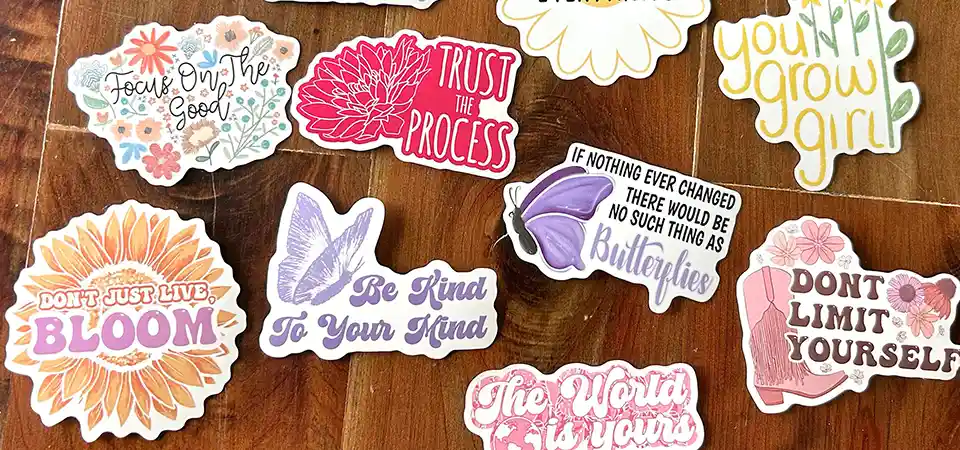
Sticker paper is thick. It is essentially two sheets—the face and the liner—glued together. A normal printer expects a thin piece of copy paper. If you leave it on "Plain Paper" mode, the rollers spin too fast. They might slip on the slick surface of the sticker sheet, causing the paper to feed crookedly or get stuck.
Changing the setting to "Heavy Paper," "Label," or "Premium Photo Paper" tells the printer to change its behavior. First, it widens the gap between the print head and the page so the head doesn't scrape the wet ink. Second, it slows down the rollers. This is crucial. It gives the ink a split second longer to dry before the page moves, reducing smudges.
Also, check your input tray. If your rollers are dusty, they won't grab the slippery backing paper. A quick wipe with alcohol can solve feeding issues. And always feed sticker paper one sheet at a time if you can. The static electricity between sheets can pull two through at once, leading to a nasty jam. If your edges are curled, flatten them before printing; a curled edge is the number one cause of head strikes (smudges on the edge).
When should you consider a professional printer instead of home printing?
You want your stickers to be waterproof and scratch-proof for outdoor use. You are realizing that your home prints might not survive the elements for very long.
Home printers have limitations regarding durability and white ink. If you need stickers that are truly waterproof, scratch-resistant, or printed on clear material with opaque colors, you need a professional service using UV or eco-solvent inks and protective lamination.
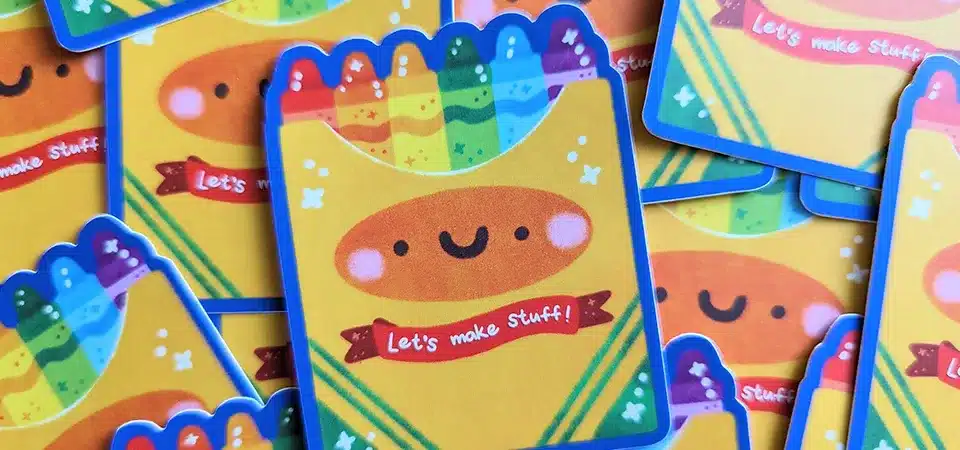
I love DIY crafting, but home printers have limits. The biggest one is durability. Even if you use "waterproof" vinyl, the ink itself is usually dye-based. Dye ink fades in the sun (UV light) very quickly—sometimes in just a few months. It also bleeds if the special coating on the vinyl gets scratched. You can buy laminate sheets to put over your stickers manually to protect them, but this takes a lot of time and effort to do by hand.
Another major limit is white ink. As I mentioned, home printers don't have it. If you want a logo on a clear bottle, or a bright design on a black background, a home printer physically cannot do it.
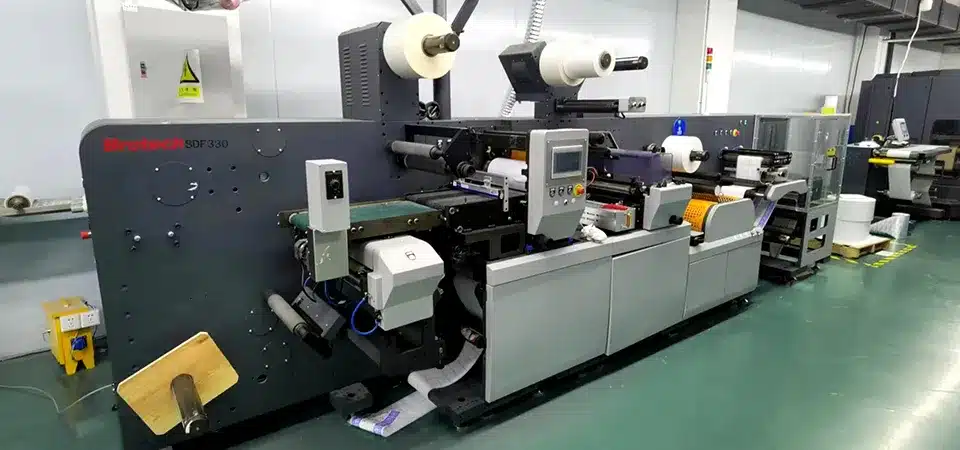
Professional printers (like us) use Eco-Solvent or UV-curable inks. These inks harden into a plastic layer that is naturally waterproof and sun-proof for years. We also have machines that print a layer of white ink under the colors, making them pop on any material. If you need 50 labels for a one-time event, print them at home. But if you are selling a product or making car decals, the quality of a home printer simply won't match the commercial standard.
FAQs
Do I need special settings to print stickers?
Yes. Never use the "Plain Paper" setting. It prints too fast, which leads to ink smears and paper jams. Always choose "Photo Paper" or "Labels" in your printer preferences.
How do I adjust printer settings for sticker paper?
When you click 'Print' on your computer, look for 'Properties' or 'Preferences.' Under the 'Media Type' or 'Paper Type' tab, ensure you select a thicker paper option like 'Heavy Paper' or 'Matte/Glossy Photo Paper.'
Why will my printer not feed sticker paper?
Sticker backing is slippery. If your feed rollers are dusty, they will slip. Wipe them with a little rubbing alcohol. Also, ensure the sticker sheet is perfectly flat; if the corners are curled, the printer cannot grab it.
Why is my sticker paper smudging?
This usually happens for two reasons: either you are using laser paper in an inkjet printer (which can't absorb the ink), or you are printing on glossy vinyl using a "Plain Paper" setting. High-quality settings lay down more ink but also give it more time to dry.
Do I need a special printer for waterproof or durable stickers?
For true waterproofing, yes. Home inkjet stickers will always be vulnerable to water unless you laminate them manually. Professional printers use UV or solvent inks that are naturally waterproof without extra work.
Can I use photo paper settings for glossy sticker paper?
Yes, this is often the best choice. The "Glossy Photo Paper" setting tells the printer to spray ink carefully on the surface, ensuring a crisp, vibrant image.
What software can I use to design stickers?
For beginners, Canva is excellent and free. If you want to cut them out on a machine, Cricut Design Space is standard. For professional design files, we recommend Adobe Illustrator.
Conclusion
Not all printers work with sticker paper; check your printer type, use the correct settings, and choose the right material to avoid jams and ensure durable, high-quality results.