Skip to content
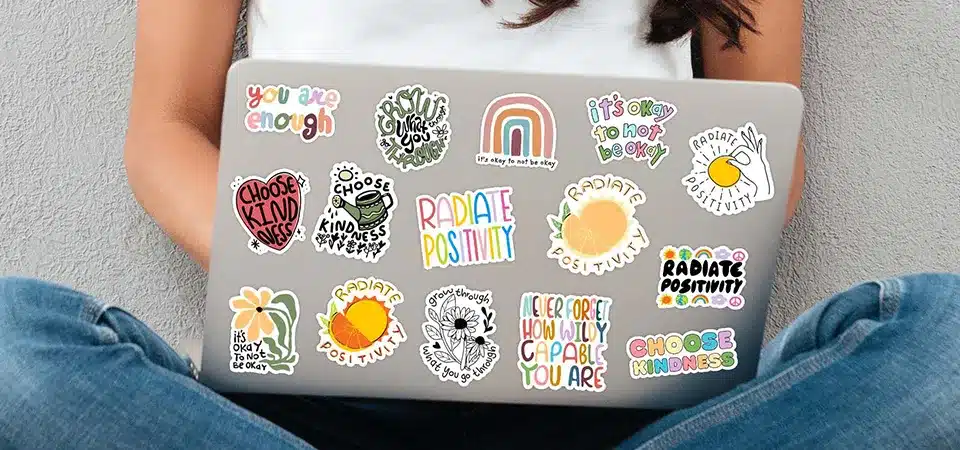
You just bought a brand new laptop and you want to make it feel like yours, but you are afraid that sticking things on the lid will ruin the expensive finish. It is stressful to imagine a messy residue or a scratch devaluing your device when you decide to upgrade later.
It is generally safe to put stickers on your laptop if you use high-quality vinyl stickers with removable adhesive. These stickers protect the surface from minor scratches and can be peeled off cleanly without damaging the casing, whereas cheap paper stickers or industrial labels may leave difficult glue residue.
I run a sticker factory, and I have covered every laptop I own in vinyl testing samples. I often hear people say they are "too scared" to sticker their MacBook or Dell XPS. I tell them that a laptop is a tool, not a museum piece. The factory finish on modern laptops, whether it is anodized aluminum or polycarbonate plastic, is durable. A proper sticker acts as a shield, not a weapon. The key is knowing which stickers are safe and which ones are dangerous.
Are laptop stickers worth it?
You might wonder if spending money on stickers is a waste or if it actually adds value to your daily experience with your computer.
Laptop stickers are worth the investment because they offer an affordable way to personalize a mass-produced device, provide a layer of protection against scuffs, and serve as effective networking or branding tools for professionals. For a low cost, they transform a generic machine into a unique reflection of your identity.
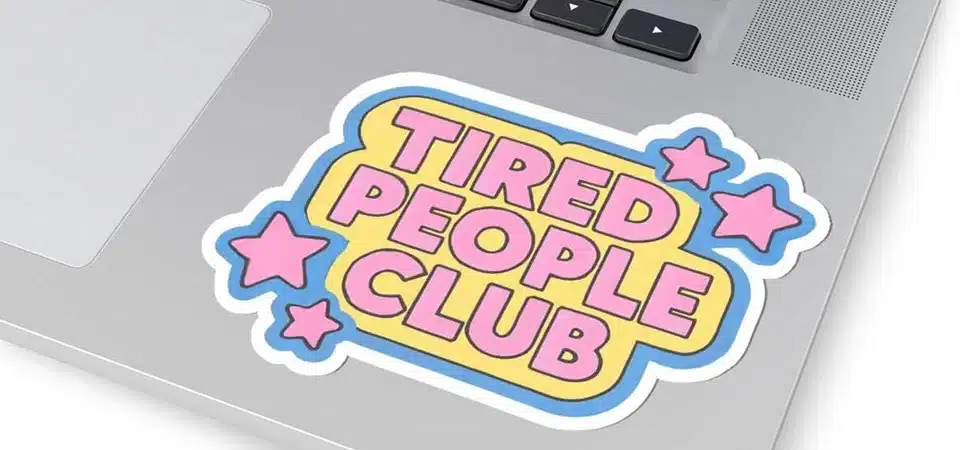
In my experience working with startups and creators, the value of a sticker goes beyond just decoration. It is social. When I sit in a meeting or a cafe with my laptop, people look at the brands and art on the lid. It starts conversations. I have had clients tell me they got a sales lead just because someone recognized a specific coding language sticker or a local band logo on their computer.
From a practical standpoint, stickers are a sacrificial layer. I treat them like a "screen protector" for the lid. Laptops get shoved into bags, slid across tables, and bumped against keys. Without a sticker, those actions scratch the metal. With a sticker, the vinyl takes the damage. When the sticker gets ugly, you peel it off and the metal underneath is still perfect. It is much cheaper to replace a $2 sticker than to fix a scratched aluminum chassis.
For businesses, the ROI is high. Distribution is free. You slap a branded sticker on your employee's laptop, and they become a walking billboard every time they work remotely. It is a marketing strategy that costs almost nothing but builds brand recognition constantly.
Will stickers damage your laptop?
You worry that the chemicals in the glue might eat into the plastic or that peeling them off will leave permanent marks that make the laptop look trashy.
High-quality vinyl stickers will not damage your laptop material, but cheap paper stickers can leave stubborn residue that requires solvent to remove. The only potential long-term cosmetic issue involves "ghosting," where parts of the laptop exposed to sunlight fade while the area under the sticker remains the original color.
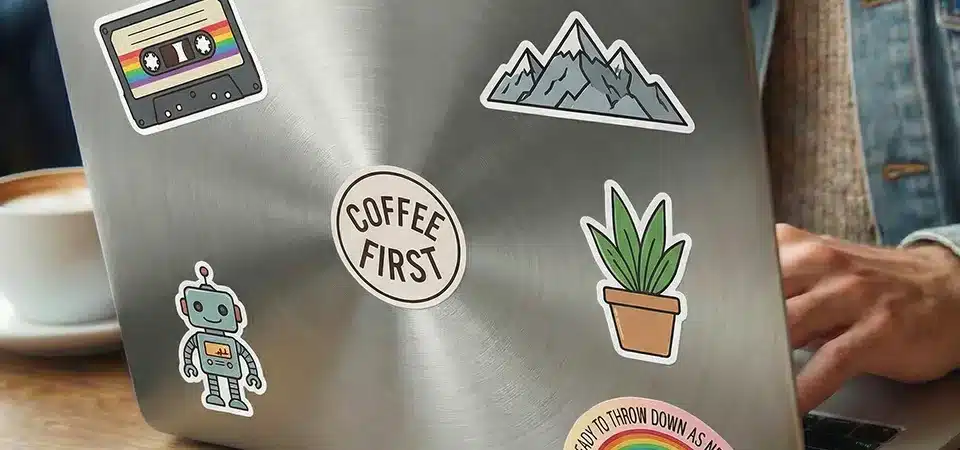
I need to be honest with you about the risks, specifically regarding "Ghosting." This happens with anodized aluminum (like Space Gray Macs) and some plastics over many years. Materials fade slightly when exposed to UV light. The area under the sticker does not fade. If you leave a sticker on for five years and then remove it, you might see a "shadow" of where the sticker used to be. This is not adhesive damage; it is sun fading. It is rare for indoor users, but it is possible.
The other damage risk comes from Removal, not application. I see people use knives or metal spatulas to scrape off old stickers. This is a disaster. You will scratch the laptop. You must use your fingernail or a plastic card. Also, be careful with aggressive industrial labels (like asset tags). Those use permanent adhesive designed never to come off. If you put an industrial security tag on a consumer laptop, it will fuse to the plastic. Consumer vinyl stickers do not do this. They use a water-based or solvent-based acrylic adhesive that stays stable.
| Sticker Type | Risk Level | Problem |
|---|---|---|
| Vinyl (Removable) | Low | None (Safe) |
| Paper / Gloss | Medium | Rips when peeling, leaves paper chunks |
| Industrial / Asset | High | Permanent glue, chemically bonds |
| Epoxy / 3D | Low | Heavy, might fall off, but safe glue |
What types of stickers are safe for laptops?
You want to buy stickers, but you don't know how to tell the difference between the good ones that peel off cleanly and the bad ones that stick forever.
The safest stickers for laptops are made from PVC composition vinyl with a waterproof laminate, as they are durable and resistant to tearing during removal. Avoid uncoated paper stickers or labels labeled "permanent," as these disintegrate when you try to peel them, leaving a mess of paper fibers and glue.
In my factory, we produce different grades of stickers. For laptops, I always recommend vinyl die-cut stickers. Vinyl is plastic. One of its best properties is tensile strength. When you pull on one corner of a vinyl sticker, the whole thing lifts up in one piece.
Paper stickers are different. They are made of wood pulp and binder. If you stick a paper label on a laptop, the glue eventually becomes stronger than the paper. When you try to peel it off months later, the paper splits. You get that horrible top layer ripping off while the bottom white layer stays stuck to your computer. Then you have to soak it in oil to get it off.
Look for these keywords when you buy:
- "Removable Adhesive": This means the glue does not cure into a hard solid. It stays tacky and flexible.
- "Waterproof" or "Weatherproof": This usually implies vinyl material, which is what you want.
- "Laminated": A clear layer on top protects the ink from fading and adds thickness, making it easier to peel off later.
I also suggest avoiding "Kraft Paper" stickers for laptops unless you know they have a special coating. They look nice and rustic, but they absorb moisture and oils from your hands, which turns them dark and greasy over time. Vinyl is immune to hand oils.
Does putting stickers on a laptop affect resale value?
You plan to sell your laptop in a few years to upgrade, and you are concerned that buyers will pay less for a machine that has been covered in stickers.
Stickers can preserve the resale value of a laptop by preventing scratches on the lid, provided you remove them and clean the surface thoroughly before listing it for sale. A clean, scratch-free laptop under the stickers will often sell for more than a non-stickered laptop that has accumulated daily wear and tear.
I sell my old electronics often, and I have found that my stickered laptops actually look newer once I clean them up. Think about it. The top lid of a laptop is the most exposed part. It rubs against zippers in your backpack. It gets hit by keys.
If you have a naked laptop, those scratches are permanent. You have to list the condition as "Good" or "Fair." Even small micro-scratches lower the price buyers are willing to pay.
If you have a vinyl sticker covering that area, the sticker takes the abuse. When it is time to sell, I peel off the vinyl. I use a little bit of isopropyl alcohol on a cloth to wipe away any dust or sticky edge marks. Underneath, the aluminum looks brand new. It has been sealed in a dark, protective layer for two years. I can list the condition as "Excellent" or "Mint."
The only time it hurts value is if you are lazy. If you try to sell a laptop with the stickers still on it, buyers will assume you are hiding damage. They don't want your personality; they want a clean slate. Always remove them. It takes ten minutes of work to peel and clean, but it can add $50 or $100 to your selling price compared to a scratched-up unit.
Conclusion
Putting high-quality vinyl stickers on your laptop is safe, fun, and protects the surface from scratches; just ensure you avoid paper stickers and clean the device properly when it is time to sell.