Wasting money on ink and amateur-looking labels from your desktop printer? This costly mistake hurts your brand's credibility. You need a smarter, hybrid printing strategy that saves money.
The cheapest solution is a hybrid strategy: outsource high-quality product labels to a professional printer for bulk pricing, print shipping labels in-house with a thermal printer to save on ink, and use blank labels for variable data like expiration dates.
When you're running a small business, every dollar counts. I've seen so many passionate entrepreneurs try to do everything themselves, including printing their product labels on a cheap desktop inkjet. It feels like you're saving money, but it's a trap. You end up with smeared, unprofessional labels and a pile of half-used, dried-up ink cartridges. The real secret isn't finding one single "cheap" printer; it's about playing the hybrid game. You need to be strategic about what you print yourself and what you leave to the pros. It's the only way to get a premium look without a premium price tag. Let's break down this three-part strategy so you can get that professional edge and stop wasting money.
Why Should You Outsource Your Product & Packaging Labels?
Your DIY labels look faded and unprofessional. They can't stand up to moisture or friction, making your high-quality product look cheap and untrustworthy before it's even opened.
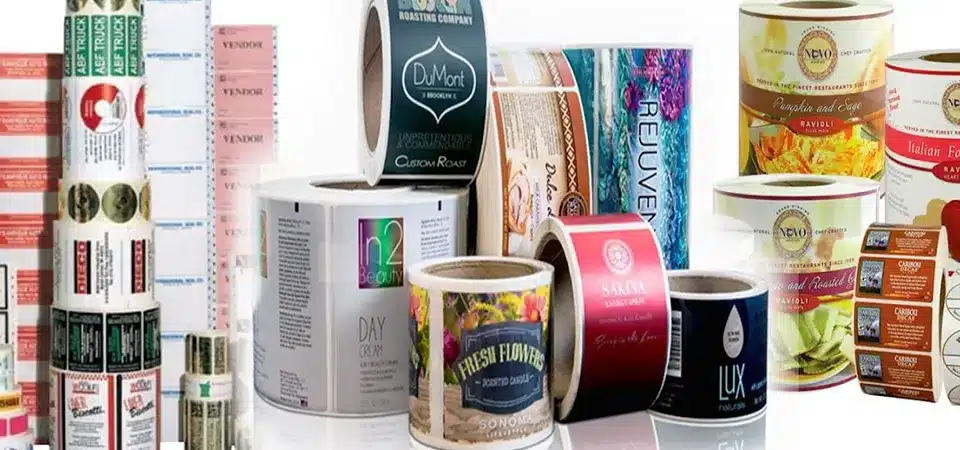
Outsourcing product labels gives you access to industrial printers that produce stunning, waterproof, and perfectly die-cut labels for pennies per piece when ordered in bulk. This instantly gives your brand a retail-ready look.
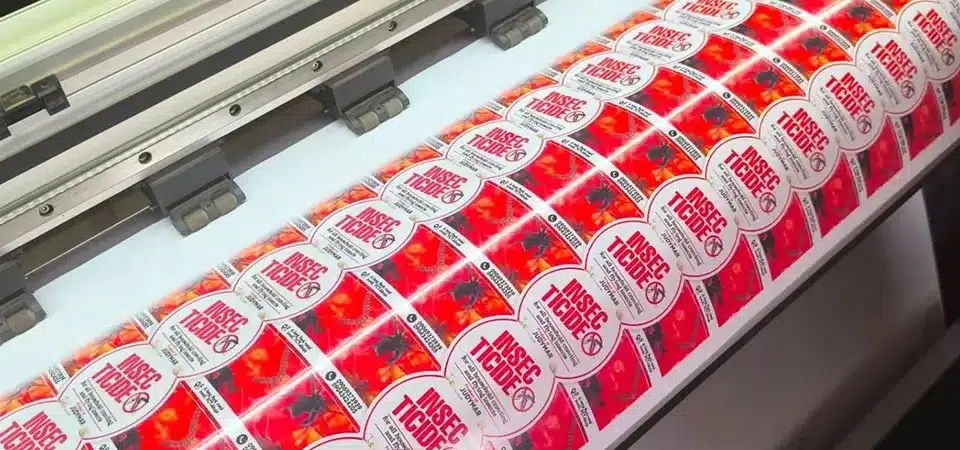
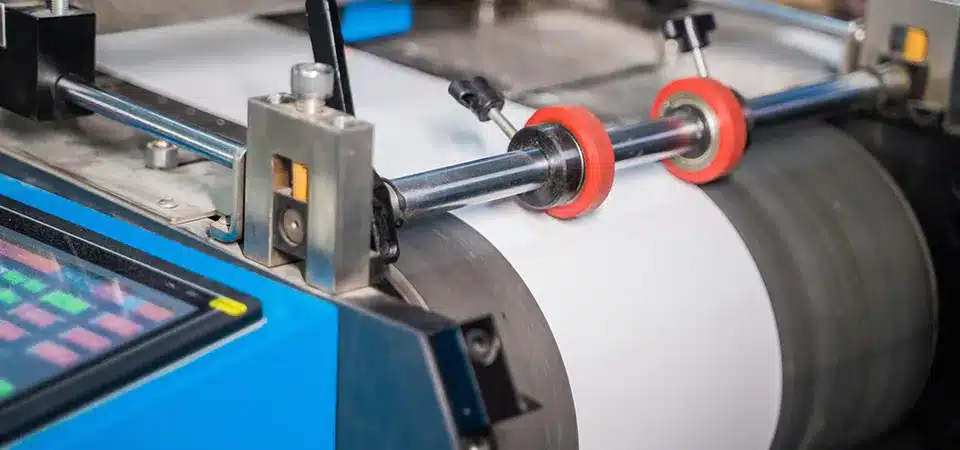
As someone who runs a professional printing business, I can tell you that there's no comparison between a home inkjet and an industrial digital press. Our machines can print on vinyl, metallic foils, and clear materials—all of which are impossible for a desktop printer. More importantly, we use toners and inks that are cured with UV light, making them waterproof and scuff-resistant. Think about your product's journey. Will it be in a steamy bathroom? Will it be rattling around in a handbag? Your label needs to survive. Trying to achieve this durability at home involves buying expensive specialty paper and laminates, and the results are still inconsistent. By outsourcing, you're not just buying a sticker; you're buying credibility. When a customer sees that perfect, crisp, professional label, they instantly perceive your brand as being more valuable and trustworthy.
The Cost-Benefit of Outsourcing
| Feature | Home Inkjet Printing | Professional Outsourcing |
|---|---|---|
| Cost Per Label | High (Ink is expensive) | Low (With bulk orders) |
| Quality | Low resolution, prone to smudging | High resolution, vibrant colors |
| Durability | Poor (Not waterproof or scuff-proof) | Excellent (Waterproof, durable materials) |
| Shapes | Limited to rectangles/circles | Custom die-cut shapes |
| Look & Feel | Amateur | Professional, retail-ready |
Should You Print Shipping Labels In-House?
You're wasting time, ink, and paper printing shipping labels. Taping sheets of paper to packages is slow, looks messy, and a single mistake can cost you a sale.
Yes, you should absolutely print shipping labels in-house using a 4x6 thermal printer. It's a non-negotiable lifesaver. There is no ink or toner, just peel-and-stick efficiency that streamlines your entire fulfillment process.
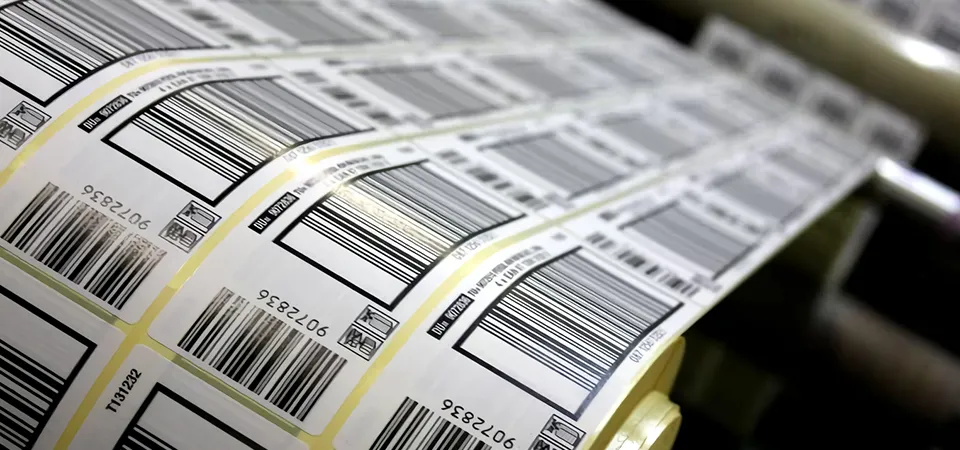
If outsourcing product labels is for "beauty," then printing shipping labels in-house is for "control." This is the one area where DIY is not just cheaper, but better. I remember when I first started shipping internationally, I was printing labels on regular paper, cutting them out, and taping them to boxes. It took forever and looked so unprofessional. Then I bought my first 4x6 thermal printer, and it changed my life. These printers use heat to print on special labels, so you never buy ink or toner again. The labels come on a roll, and they spit out in seconds, ready to peel and stick. The upfront cost of the printer (around $100-$150) pays for itself within a few months when you factor in the savings on ink and paper. More importantly, it saves you an incredible amount of time. It’s pure plug-and-play efficiency that makes your fulfillment backend run like a well-oiled machine.
The Math: Thermal vs. Inkjet for Shipping Labels
| Cost Factor | Inkjet Printer | Thermal Printer |
|---|---|---|
| Printer Cost | $50 - $150 | $100 - $200 |
| Ink/Toner Cost | ~$0.15 - $0.30 per label | $0.00 (No ink needed) |
| Label Cost | ~$0.10 (Paper + Tape) | ~$0.03 - $0.05 per label |
| Time/Labor | High (Cutting and taping) | Very Low (Peel and stick) |
| Reliability | Low (Smudges, paper jams) | High (Clear, durable print) |
What's the Purpose of DIY Blank Labels?
You need to add a batch code, an expiration date, or a "Limited Edition" note, but ordering a small custom batch from a printer is too expensive and slow.
Use DIY blank labels as your secret weapon for agility. Keep sheets of blank stickers and a simple laser or inkjet printer handy to print variable information like batch codes or limited-run promos on demand.
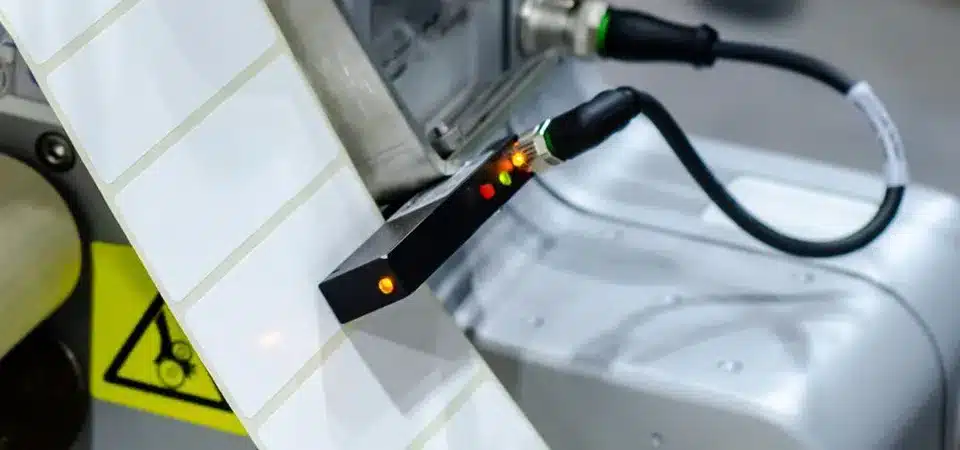
This is the final piece of the hybrid puzzle. While your main product label is professionally outsourced for beauty, you still need flexibility. Let's say you make skincare products. Each batch will have a different expiration date or batch number for tracking. It's not practical or cost-effective to order thousands of custom labels that all have the same date. This is where you bring a simple printer back into the mix. Buy sheets of small, blank labels (you can get thousands for very cheap). Then, use a basic word processing program to print just the information you need. A simple black-and-white laser printer is perfect for this, as the text is crisp and the toner is much cheaper per page than inkjet ink. This strategy gives you the agility to add crucial information or run quick promotions without committing to a large, expensive print run. It's about being fast, flexible, and efficient.
Conclusion
The sweet spot is clear: outsource the beauty, control the logistics, and DIY the variables. This hybrid approach gives you professional branding and maximum efficiency without breaking the bank.